
PAP analyzes your production images in real time and applies your quality rules continuously. Complete software for developing, deploying and running your vision applications, it is operated day to day by your production teams.
Market context
Manual inspection, smart camera or vision software: which solution for your quality control?
Quality control in production today relies on three main approaches, each with its limits.
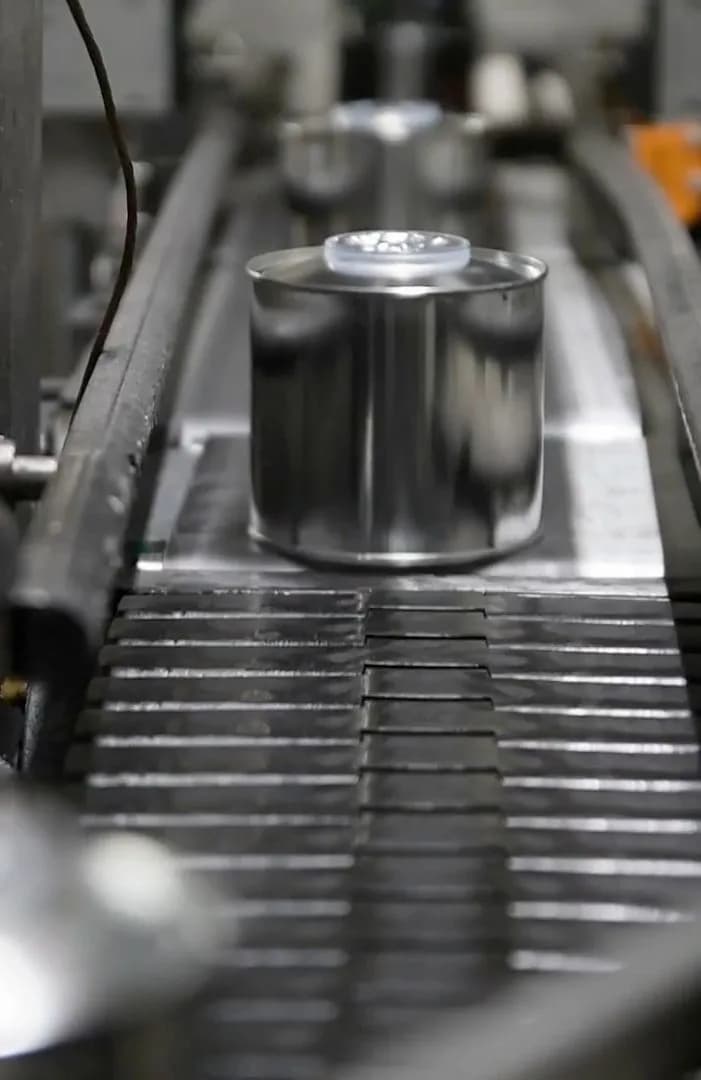

Human visual inspection retains valuable adaptability, but it varies from one station and one team to another, and is poorly suited to high speeds and systematic traceability.

Off-the-shelf smart cameras install quickly and effectively cover standard cases, but their scope is fixed by the manufacturer: as soon as a part, a constraint or a business rule falls outside the planned scope, the room for maneuver runs out.

More complete vision software exists, but it often works like a black box: you get a verdict without always being able to explain the decision, and evolving the system means going back to the vendor.
PAP is machine vision software built on the opposite principle: an application tailored to your production (whether tracking down a foreign body in the food industry or checking a weld in aerospace) whose logic remains readable and whose rules can be adjusted by your teams, without sacrificing the robustness of industrial software.
The PAP vision software
Real-time quality control: what PAP actually does


Supervise in real time
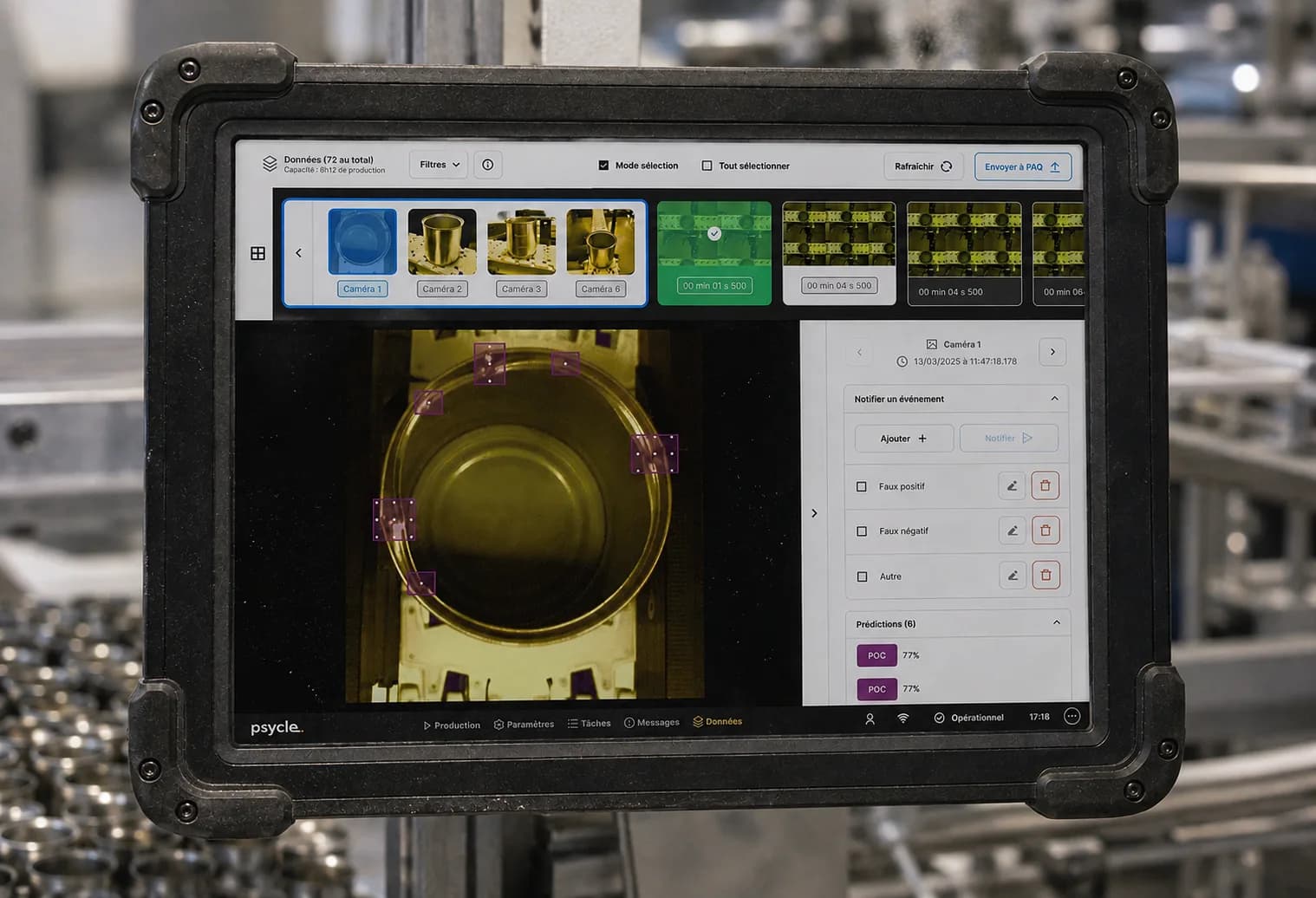
PAP supervises your production in real time: every image acquired is analyzed on the fly. Spotting a contaminant on a food line, detecting a surface defect on a machined part, checking the presence of a component. Defects are displayed directly on the video stream, with customizable statistics to monitor production at a glance.

Inspect and sort automatically
PAP applies your quality rules continuously and triggers the associated operational actions (sorting, validation, alert) according to the criteria defined for your production.

Stay autonomous, without a vision expert
With PAP, an operator can adjust a quality rule or change recipes without programming skills, directly from the interface, without recompiling a single line of code or waiting for a vision expert. Your team stays in control.
Whether you are a manufacturer with your own operators or a machine builder deploying PAP at your customers' sites, the challenge is the same: a tool you pick up quickly, and that remains comfortable to use day after day.
The PAP vision software
PAP modules : supervise, configure and manage your quality control
Production
The control station, understood at a glance
The Production module displays the video stream of acquired images, with predictions drawn directly on the image when a defect is detected: a flagged contaminant, a non-compliant weld circled. Customizable statistics panels, choice of cameras displayed, shortcut buttons, and the option to temporarily bypass certain actions.
Configuration
Adjust quality rules without programming skills
The Configuration module lets you modify the application parameters according to the active recipe, manage the connected hardware and control business rules (quality rules and operational actions). This is where your teams' autonomy comes into play.
Tasks & Messages
Act and keep a record, effortlessly and at a glance
Tasks bring together the actions that can be triggered at any time , exposed by the developer to meet the application's specific needs. Messages keep the complete history of events generated throughout the application's life, so you can find out instantly what happened and ensure traceability.
Data [coming soon]
Feeding back from the field, soon even simpler
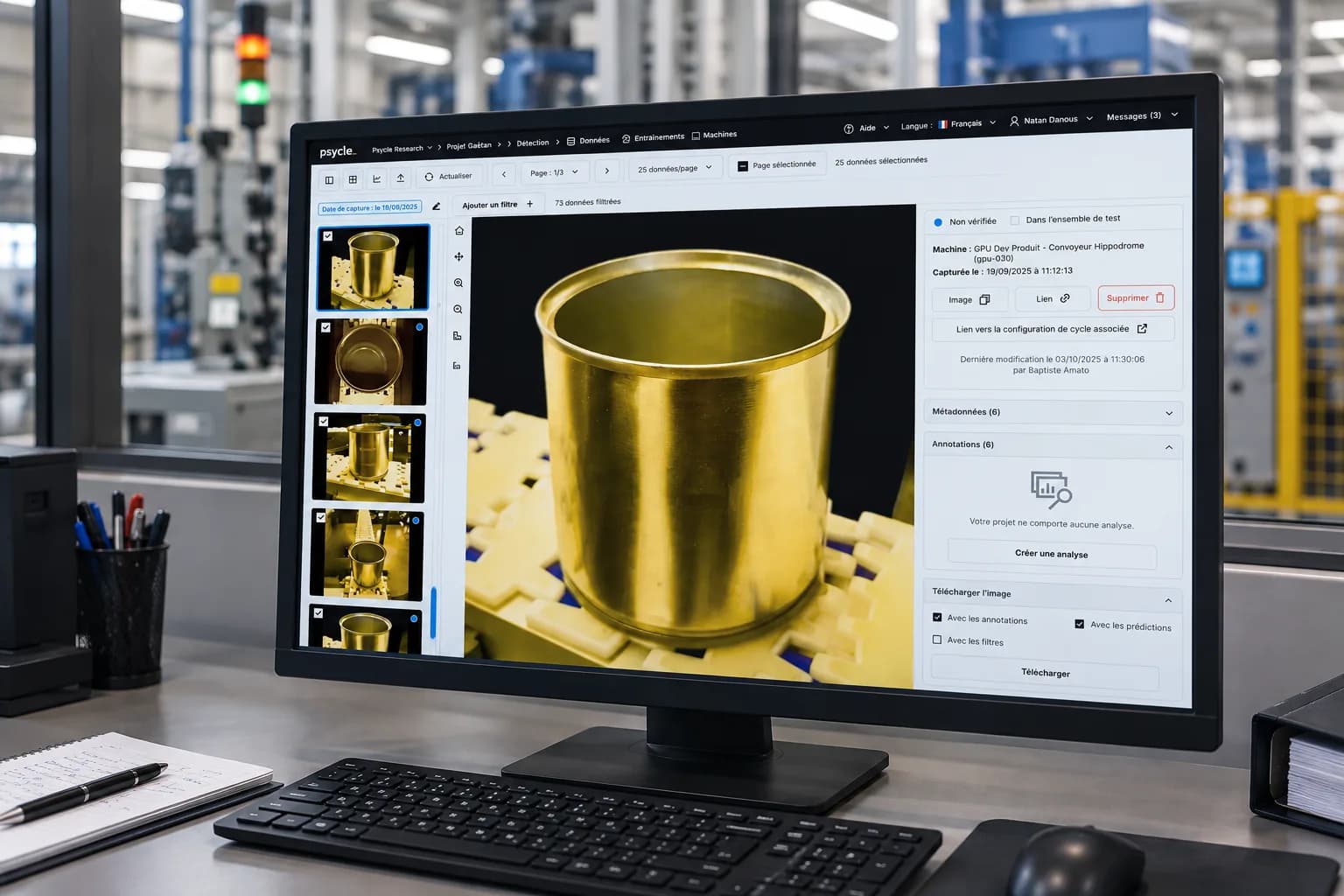
The Data module (under development) will offer a local review of the latest images acquired, allowing production operators to manually report events using a tagging system. A development that illustrates our continuous improvement approach in service of the field.
Do these screens
catch your eye?
Nothing beats seeing them run on your own production.
Request a demoThe PAP vision software
Industrial integration: protocols, headless mode and MES/ERP connection
PAP integrates into existing automation architectures in line with industrial communication standards, rather than constraining them.
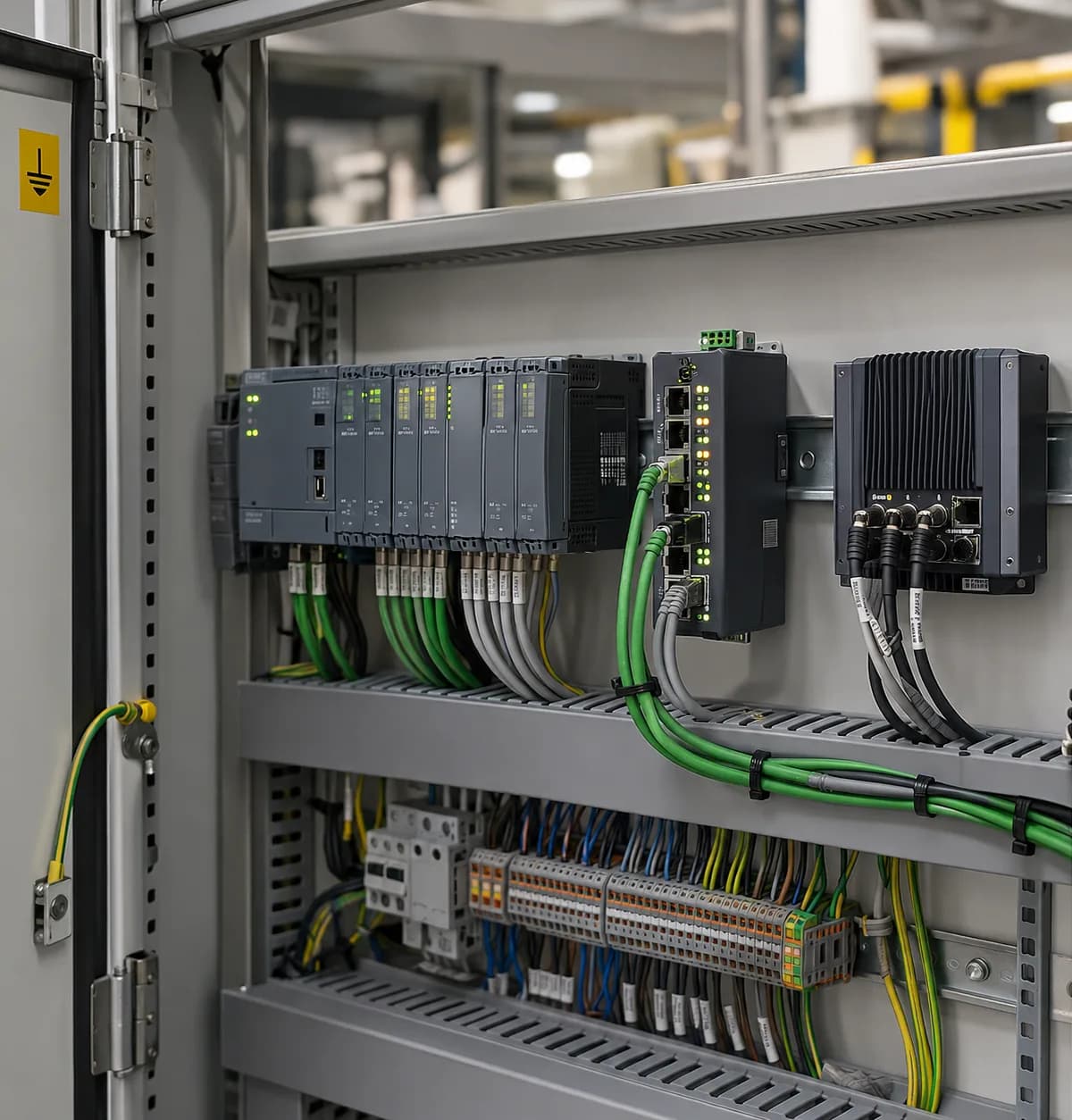
Beyond its HMI, PAP also runs in headless mode and communicates with the line's PLCs and equipment via proven field protocols: PROFINET, EtherNet/IP and OPC UA.
To feed production data up to your information systems, PAP interfaces with your business tools: MES (e.g. VIF) or ERP (e.g. SAP), so that inspection statistics and results feed directly into your KPIs, with no re-keying and no proprietary gateway.
The PAP vision software
PAP + PAQ: from in-line quality control to defect analysis
PAP and PAQ are two complementary software products, designed to work together. PAP supervises and controls your production in real time, on the line; PAQ takes over for quality analysis: diagnosing the causes of a defect, understanding a drift over time. Together, they cover the entire chain, from in-line inspection to quality insight.
PAQ also adapts to your hosting constraints: available as a Cloud version hosted in France, as well as an On-Premises version for industries where sovereignty is critical, which can then keep their data within their own infrastructure.
Frequently asked questions about our vision solutions.
Go to the FAQPAPCan PAP be developed and customized by our own teams?
Yes. In fact, it is one of the founding principles of PAP. Psycle's Python SDK for machine vision lets your developers design their own applications directly in Python, building on every component of the software: hardware management, processing flows, business rules, communication with plant systems (MES, ERP, PLCs). The code is readable in plain text, with no black box: your teams control every decision the application makes, evolve it at their own pace and retrain their models without depending on an external service provider.
PAPWhat is the difference between PAP and PAQ?
PAP and PAQ are two complementary software products, designed to work together. PAP supervises and controls production in real time, on the line: it analyzes images, applies quality rules and triggers operational actions. PAQ takes a step back to manage, analyze and improve your entire fleet of vision systems over time: data visualization, model retraining, management of the versions deployed machine by machine. One acts, the other drives improvement.
PAPCan PAP run without an operator interface, controlled directly by the PLC?
Yes. PAP offers an operating mode without an HMI (“headless” mode) in which it communicates directly with the line's PLCs and equipment via standard industrial protocols (PROFINET, EtherNet/IP, OPC UA). This mode is particularly well suited to automated cells where no operator station is planned, or to architectures where the PLC orchestrates the triggering of acquisitions and the reception of results. The HMI remains available for supervision and configuration, but is not required for production operation.
PAPHow does PAP adapt to new products or a line modification?
That is precisely what PAP's Configuration module makes possible without outside intervention. Switching the active recipe, changing the parameters of a quality rule or adjusting detection thresholds is done directly from the interface, by your teams, without recompiling a single line of code. For more structural changes (a new AI model, a new business rule), SDK mode lets your developers work directly on the application. Either way, your vision stations evolve at the pace of your production, not at the pace of a service provider's availability.
PAPIs PAP compatible with our PLCs and our information system?
PAP integrates into existing automation architectures in line with industrial standards. It communicates with the line's PLCs and equipment via proven field protocols: PROFINET, EtherNet/IP and OPC UA. To feed data up to your information systems, PAP interfaces with your business tools (an MES such as VIF or an ERP such as SAP) so that inspection results feed directly into your KPIs, with no re-keying and no proprietary connector.
PAPDo you need a machine vision expert to use PAP day to day?
No. PAP is designed to be run by a production operator, not a vision expert. Changing a recipe, adjusting a parameter or triggering an action from the HMI requires no image processing or programming skills. Vision expertise comes in upstream, when the application is developed, whether by Psycle's teams in project mode or by your own developers via the SDK. Once the application is deployed, your shop-floor teams stay fully in control.
PAPWhat is the difference between PAP and an off-the-shelf smart camera?
A smart camera processes an image and returns a result: that is its strength, and also its limit. As soon as a business rule falls outside the scope planned by the manufacturer (a new product reference, an additional quality criterion, an action to trigger on the line), the room for maneuver runs out. PAP is complete machine vision software: it controls the cameras, applies quality rules your teams can configure and continuously triggers operational actions. The inspection logic remains readable and adjustable, without going back to the vendor for every change.
psycle solutions
Production management under control, continuously
Track the progress of your lines and detect production deviations as soon as they occur.